Someone near you searches “dental clinic near me.” Three shops pop up on the map. Yours is not one of them. You are open, you are good, and you are only five minutes away.
That hurts. The map is where people in Nepal decide fast. They tap, they call, they walk in. If you are not there, the call goes to someone else.
The fix is your Google Business Profile. Most owners who set up a Google Business Profile in Nepal make one, add a phone number, and stop. Or a nephew made it years ago and nobody knows the login. This guide shows you every step, from claiming the profile to a 30-day plan.
Quick answer: how to rank on Google Maps in Nepal
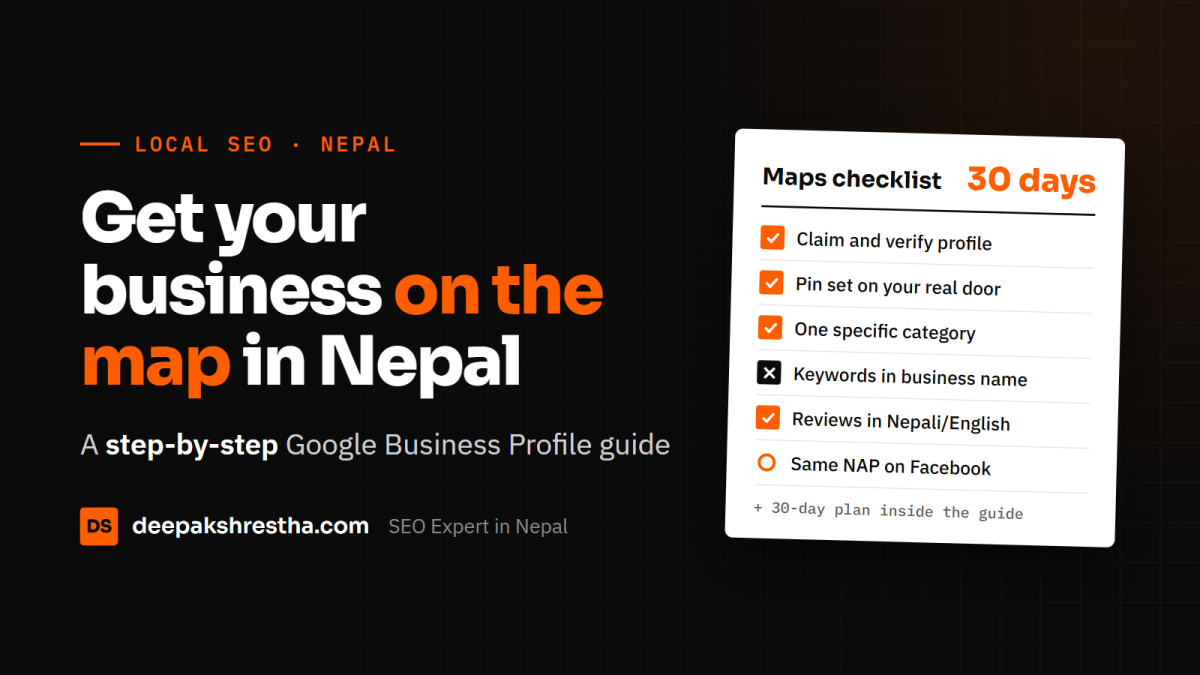
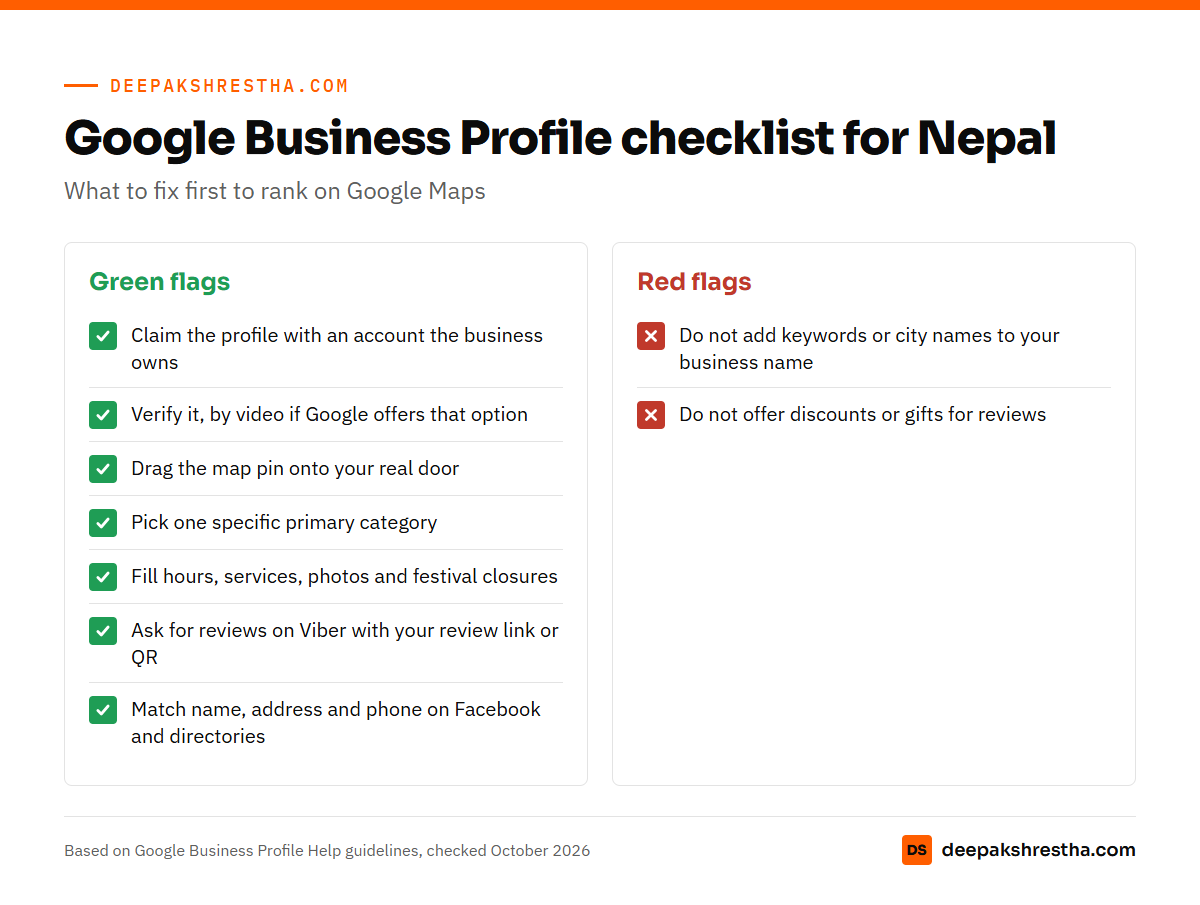
- Claim and verify your Google Business Profile. Use your real business name, with no extra keywords.
- Pick one specific main category. Set the map pin by hand, since most Nepali addresses have no street number.
- Fill every field: hours, services, photos, description and a local phone number.
- Ask every happy customer for a review, in Nepali or English. Reply to each one.
- Keep your name, address and phone the same on Facebook and every directory.
Google says local rank depends on three things: relevance, distance and prominence. You can work on two of them.
Step 1: Create or claim your Google Business Profile in Nepal
First, check if a profile already exists. Search your business name on Google Maps. Often a profile is there. A customer or Google may have added it.
If it exists, click “Own this business?” and follow the steps. If someone else controls it, Google will ask them to give you access. If it does not exist, go to google.com/business and create a new one.
Use a Google account the business owns. Do not use a staff member’s personal Gmail. Here is what I tell clients: you must own your own accounts. Add your staff or your SEO person as a manager. Never hand over the owner role.
Step 2: Get verified
A profile is not fully live until Google verifies it. Google picks which methods you see. You cannot choose them yourself.
The options Google lists include:
- Video recording. Google recommends this one when you are eligible. You film your shop in one take.
- Live video call with a Google support person, during your business hours.
- Phone call or SMS with a code.
- Email to an address you can access.
- Postcard with a 5-digit code. It can take up to 14 days to arrive.
For video, plan it before you press record. Start outside. Show your sign, the street and a nearby landmark. Then go inside. Show your counter, your tools or stock, and something only staff can open, like a cash drawer or a locked room. Google says reviews can take up to 5 business days.
A tip for Nepal: a postcard to a tole with no street number may never arrive. Use video if Google offers it. Stay on one stable connection while you upload. Switching from Wi-Fi to NTC or Ncell data mid-upload can cause trouble.
Step 3: Fix the Nepali address problem
Most addresses in Nepal have no street number. People say “near Bhatbhateni, Maharajgunj” or “behind the old bus park, Butwal.” Google’s own guidelines allow for this. If your place has no street number, you can drag the pin to the right spot.
Here is how I set up a Nepali address:
- Write the tole or area name, then the ward and municipality. For example: “Tokha-5, Kathmandu.”
- Put the landmark in the second address line. Keep it short, like “Opposite Tokha Chowk.”
- Zoom in and place the pin on your actual door, not the middle of the road.
- Use the same spelling every time. Pick “Lalitpur” or “Patan” and stick to it.
Service-area businesses should hide the address
Do you go to the customer? Think plumbers, home tutors, cleaners and tour guides. If customers do not visit you, Google says you should hide your address. You then list the areas you serve instead.
Keep the service area real. Google says it should not go much beyond about two hours of driving from your base. A plumber in Pokhara should not list Biratnagar.
Step 4: Use your real name and the right category
This is where many profiles in Nepal get into trouble. People add keywords to the name. “Ram Dental Clinic Best Dentist Kathmandu Teeth Whitening” is not a name. It is spam.
Google’s guidelines for representing your business are clear. Your name should match your sign, your website and your bills. No taglines, no phone numbers, no city names, no service lists. Breaking this rule can get your Business Profile suspended.
Yes, a stuffed name can work for a few weeks. Then someone reports it. A suspended profile can vanish from Maps, calls and all. It is not worth it.
Now choose your categories. Your primary category matters most. Make it as specific as you can. “Dental clinic” beats “Medical clinic.” “Trekking agency” beats “Travel agency” if trekking is your main work. Google says to use as few categories as possible. Add one or two extra ones only if they are true.
Step 5: Fill every field
Google says businesses with complete and accurate info are more likely to show up in local results. So fill it all in.
- Phone: a number you control and answer. A mobile is fine in Nepal. Turn on WhatsApp or Viber on that same number, since people will message it.
- Hours: real hours. Update them for Dashain, Tihar and other closures. Nothing makes people angrier than a closed shutter during “open” hours.
- Description: two or three plain lines on what you do and where. Write for people, not for Google.
- Services or products: list each one with a short line. A clinic can list “Root canal,” “Braces” and “Teeth cleaning.” A shop can add its top products with prices in rupees.
- Attributes: parking, wheelchair access, Wi-Fi, payment by eSewa or Khalti if Google shows those options for you.
Photos that help you win the tap
People judge your photos before they call. Add the outside, so people can find your gate. Add the inside, your team and your work. A restaurant should add its menu and real dishes.
Use your own photos, not stock images. Add a few new ones every month.
Posts and the old Q&A section
You can publish short posts on your profile. Use them for offers, festival hours and events. One post a week or two is enough for most small businesses.
The old Questions and Answers section is being replaced. Google has been moving to AI answers built from your profile and reviews. So put the common questions into your description, services and posts. Does the price include VAT? Do you deliver outside the Ring Road? Say it there.
Step 6: Get reviews in Nepali and English
Google says more reviews and positive ratings can help your local ranking. Reviews also help you win the click. People read them before they call.
Happy customers rarely review you unless you ask. Here is what works in Nepal:
- Get your review link or QR code from your profile.
- Send it on Viber or WhatsApp right after the job is done. Keep the message short and personal.
- Print the QR code at the counter or on the bill.
- Tell people they can write in Nepali, Romanized Nepali or English. Whatever is easy for them.
A short message works fine: “Namaste! Thank you for coming in today. If you were happy, a quick Google review would help us a lot.” Then add the link.
Do not offer discounts or gifts for reviews. Google strictly prohibits this. Do not buy fake reviews either. They get removed, and they can put your profile at risk.
Reply to every review
Reply to good reviews with a short thank you. Use the person’s name. Reply in the same language they used.
For a bad review, stay calm. Say sorry, give one line of facts, and invite them to call you. Never argue in public. The next customer reads your reply too.
Step 7: Keep NAP the same everywhere
NAP means name, address and phone. Google checks other sites to confirm you are real. If your details differ, it gets less sure about you.
Start with your Facebook page, because most Nepali customers check it. Then check your website footer, Instagram, and any local directories or listing sites. Make all of them match your Google Business Profile, word for word. Moved shop or changed your number? Update everything the same week.
Step 8: Track your calls and visits
You want to know if this work brings customers. Your profile has a Performance section. It shows calls from the call button, direction requests and website clicks.
Two simple habits make this better:
- Add a tracking tag to your website link, so Google Analytics shows visits from your Maps profile.
- Ask every new caller: “How did you find us?” Write it down. A notebook is fine.
Check the trend once a month, not one bad week.
Why Google Business Profiles get suspended
Google can suspend profiles that break its guidelines. In Nepal, these are the common causes I see:
- Keywords stuffed into the business name.
- A fake or virtual address, or a home address for a business customers do not visit.
- Two profiles for the same place.
- Many sudden edits, like changing the name and address on the same day.
- Fake or paid reviews.
If you get suspended, do not make a new profile. Use Google’s appeal tool instead. Upload proof like your company registration, PAN certificate or a utility bill. The name and address must match the profile.
How Google Maps ranking really works
Google explains local ranking in plain words. It looks at three things:
- Relevance: how well your profile matches the search. Good categories and full details help here.
- Distance: how far you are from the searcher. You cannot change this.
- Prominence: how well known you are. Reviews, links to your website and your general fame online all count.
Google also says you cannot pay for a better local ranking. So be careful when an agency promises “Top 3 on Maps in 7 days.” Nobody controls that. If you want to know what honest local work costs, see my post on SEO price in Nepal.
Your website helps prominence too. A good page for each service and city backs up your profile. This is a big part of my SEO services in Nepal. Only want the basics? Read my short guide to ranking a Kathmandu business on Google Maps.
Your 30-day Google Business Profile plan
| Week | What to do |
|---|---|
| Week 1 | Claim or create the profile. Verify it. Fix the name, main category and map pin. |
| Week 2 | Fill hours, phone, description, services and attributes. Add 10 to 15 real photos. |
| Week 3 | Make your review QR code and Viber message. Ask every happy customer. Reply to all reviews. |
| Week 4 | Match NAP on Facebook, your website and directories. Publish a post. Check Performance. |
After 30 days, keep going. Ask for reviews weekly and update hours before each festival.
Be patient with results. Maps can move faster than normal search, but it still takes weeks. My post on how long SEO takes explains what to expect month by month.
Frequently asked questions
Is Google Business Profile free in Nepal?
Yes. Creating and running a Google Business Profile is free. You do not pay Google for verification or for ranking. You only pay if you hire someone to manage it or run Google Ads.
How do I verify my Google Business Profile without a postcard?
Google often offers video recording, a live video call, phone, SMS or email instead. Google decides which options you see. In Nepal, video verification is usually the easiest, since postcards may not reach an address with no street number.
Can I add my business to Google Maps without a shop address?
Yes. If you serve customers at their place, set up a service-area business. Hide your address and list the areas you cover. Keep the area close to your real base.
Why is my business not showing on Google Maps?
Common reasons are an unverified profile, a wrong pin or a weak category. Few reviews also hurt. Distance matters too, so you may show up near your shop but not across town.
Can I write my business name with keywords to rank higher?
No. Google’s guidelines say your name must match your real-world name. Extra keywords can get your profile suspended. Use your services, description and website for keywords instead.
Want me to check your profile?
Many profiles I look at in Nepal have a few simple fixes waiting. A wrong category. A pin on the wrong road. No reviews for a year. These are easy to fix once you see them.
If you want to work with an SEO expert in Nepal on this, I can help. I start with a free written SEO audit, and that includes your Google Business Profile. You keep full ownership of every account. Ask for your free audit here.